
We have the following requirements:
- Photos must portray the Deep Sea Anglers Cub and Hove Lagoon area.
- Images need to be HIGH RESOLUTION (see explanation below) in order to produce a good quality print. For mobile phone cameras check the settings to make sure your photos are in full resolution. When sending us your .jpeg or .jpg files, we suggest that you send the original, unedited photos AS EMAIL ATTACHMENTS, and that the size of the photo files be NO LESS THAN 2MB. The bigger the better! Don’t worry about emailing large files to us, Gmail for example can send attachments up to 25MB in a single email, and you can send us more than one email if needed.
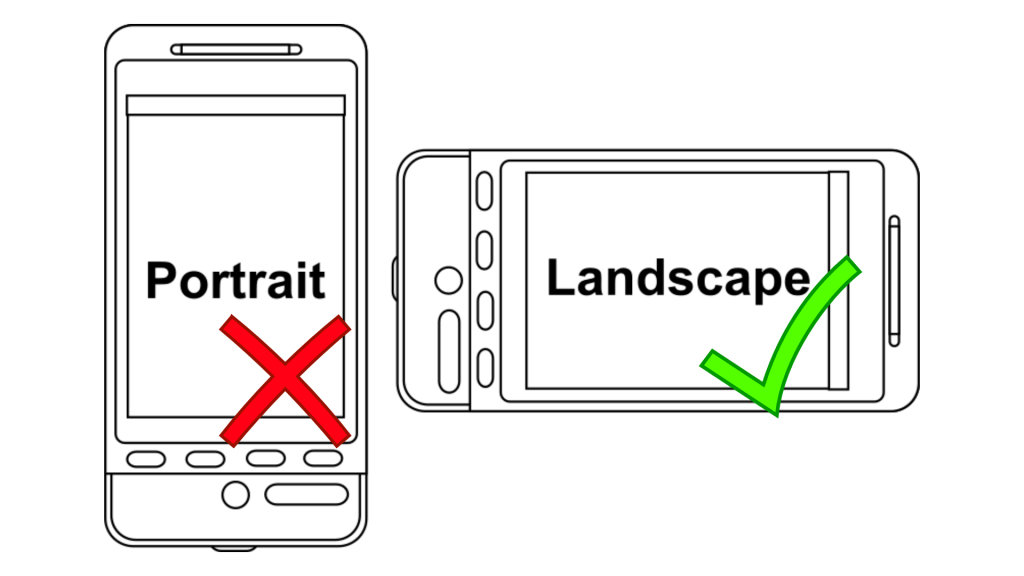
- Photos must be in LANDSCAPE ORIENTATION (see diagram and explanation below). If using a mobile phone camera this means you will need to turn your phone sideways to take the picture.
- Images need to be of DECENT QUALITY, well-lit and in focus (some artistic blurring is fine though!). Unless your phone or camera has good low-light settings, we suggest that you take your photos in the daytime.
Resolution
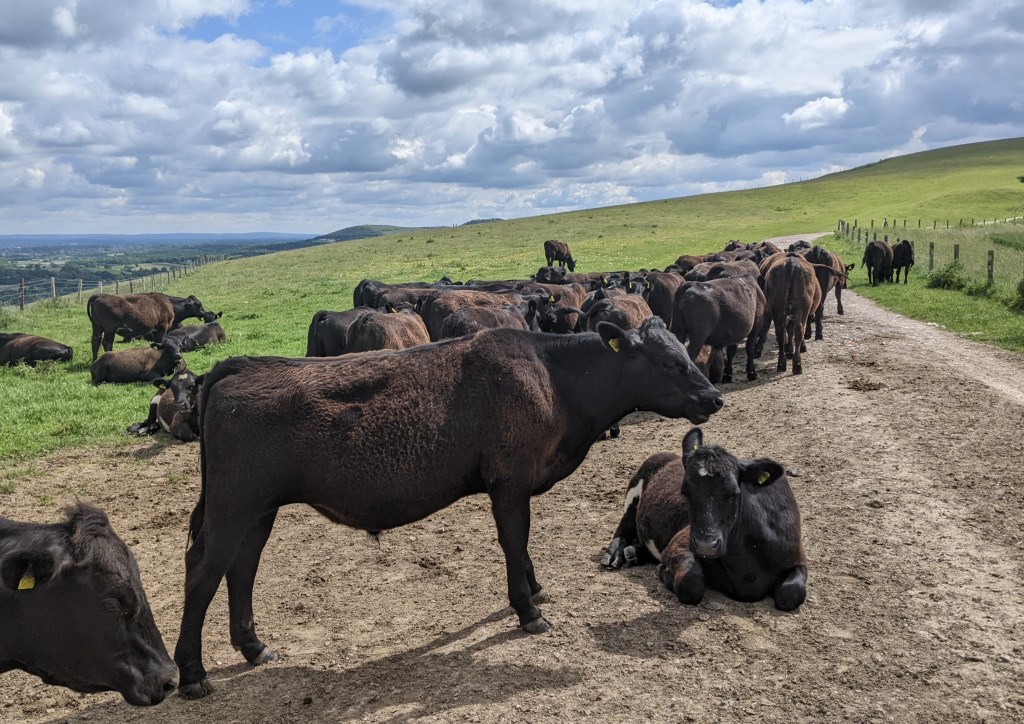
Simply put, the resolution of an image refers to the amount of information contained within the image file. Resolution is measured in “pixels per inch” (PPI) digitally, or in “dots per inch” (DPI) in print. The more pixels or dots in an inch of an image file, the more information, and the greater the clarity (resolution) of the image. If you look at the photo of cows below, you will see that the lines of the hills and cows are strongly defined, and there is a lot of detail in the foreground and the clouds. All of this indicates that it is a higher resolution image.
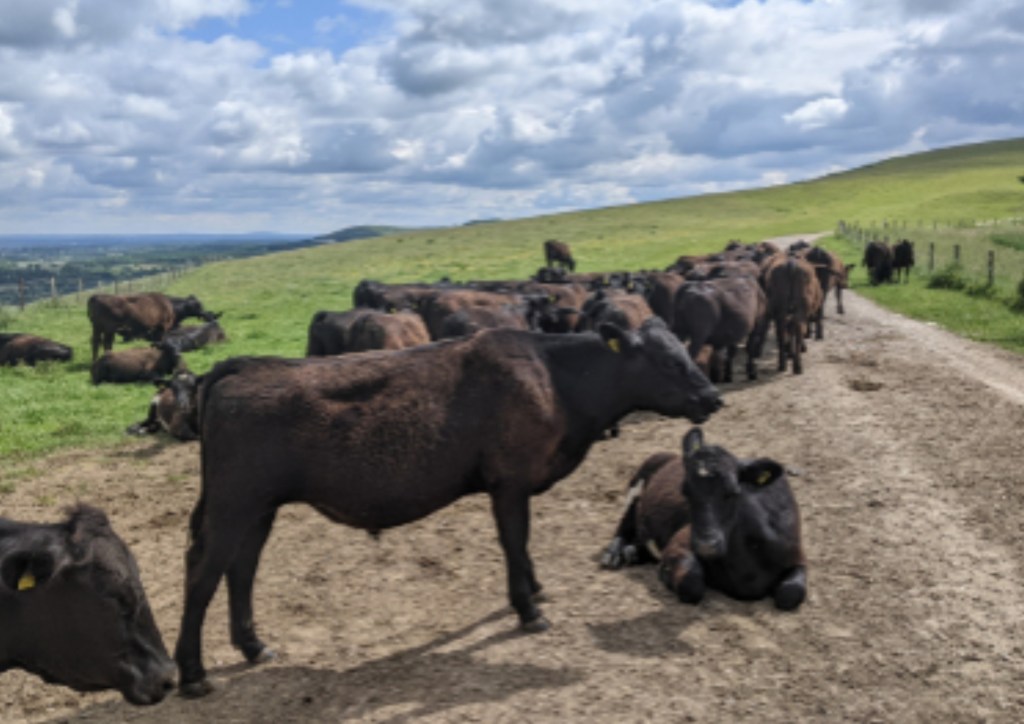
Below is the same image, but with the resolution of the photo much reduced. You can see that it appears blurry overall, and the lines are quite jagged. If you’re reading this on a mobile device zoom in to see better!
Photos are often saved at lower resolutions to save memory and/or bandwidth. For example, lower resolution images are useful on websites because they can look very good on a screen, and their smaller file sizes mean that they load onto the screen much more quickly.
A number of things affect the resolution of a photo: ultimately the number of pixels/dots as previously mentioned, but the file size and the physical dimensions of the photo have implications. The majority of the photos used in this post are web-resolution images, but the photo above was first saved at a greatly reduced size, and then blown up in photo-editing software to A4 size. This serves to illustrate that the photo is too small to be used in the calendar.
Orientation
Because of the layout of the calendar, we need your photos to have been taken in “landscape orientation”, as shown in the diagram below.
A photo taken in portrait orientation cannot easily be used because it will not fill the page on the calendar correctly. As you can see in the photo below, there are blank areas on either side of the image, and the image itself is much smaller than it would be in landscape so it is not shown in its full glory!
The main photos in the calendar will be A4, which means that they will measure 297 mm wide x 210 mm high (or 11-3/4 x 8-1/4 inches); aspect ratio 1.4142:1. You may wish to bear this in mind when composing your photo!
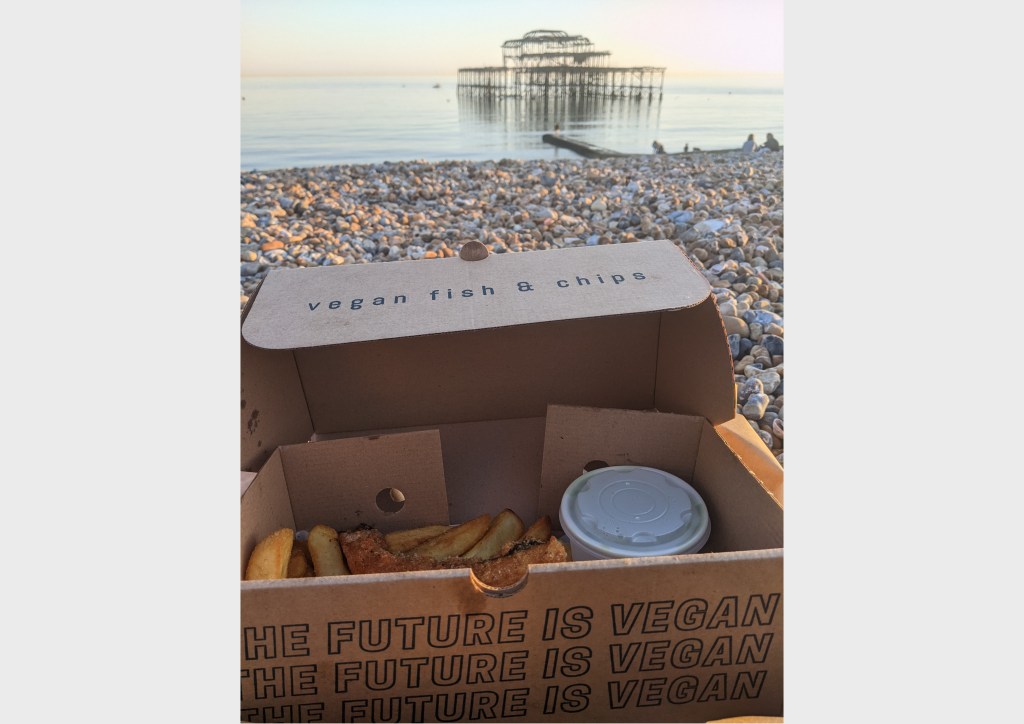
It would be possible for us to crop a portrait image to fit the page, if the photo is big enough, but in the process we would change the composition of your photo quite radically as shown in the image below!
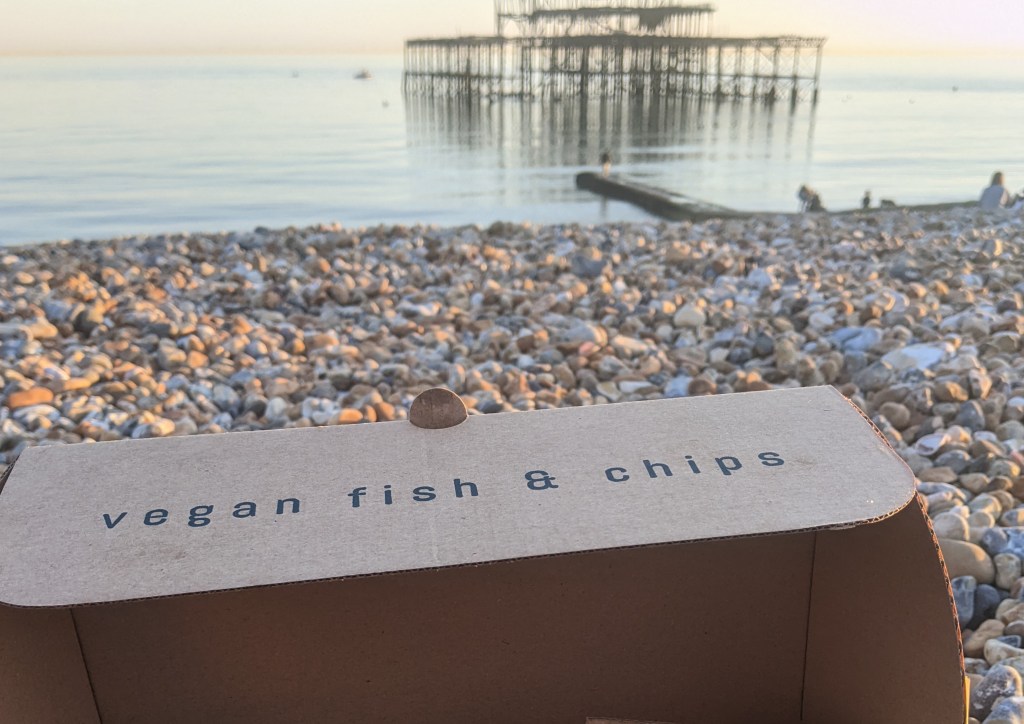
NB this photo demonstrates a little bit of the aforementioned “artistic blurring” because the fish and chips in the foreground are in focus and the West Pier is out of focus. If an image like this has a high enough resolution it will look fine in the printed calendar. But it is best to make sure that at least some of your photo is in focus!
Quality
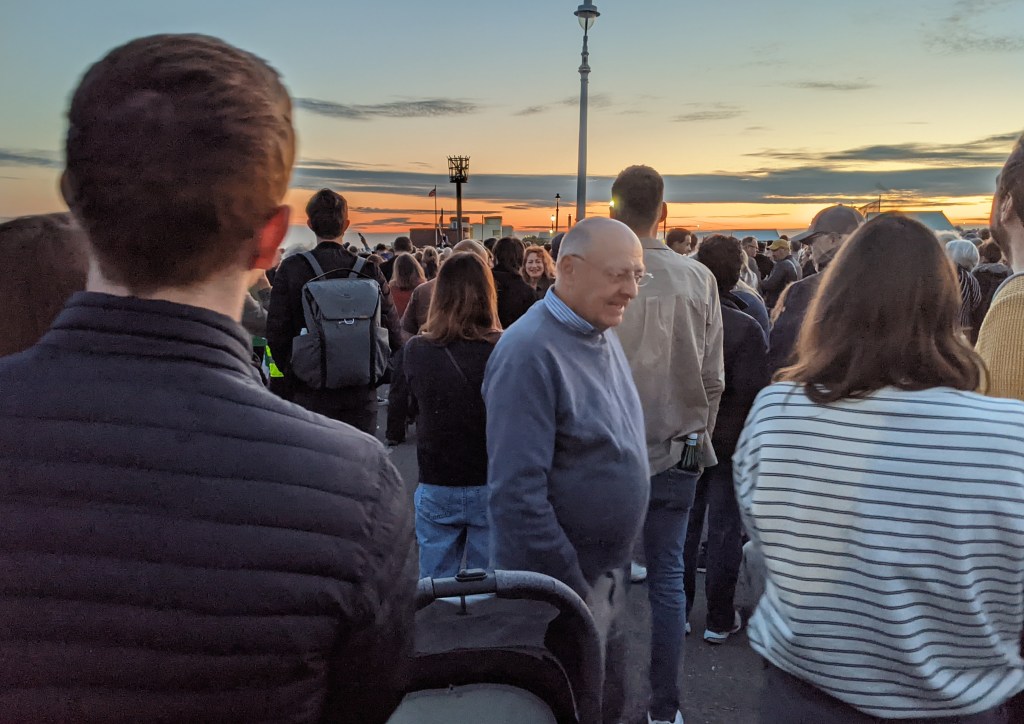
In the photo below I hope you can see that the image is unclear because it was taken in low light. Some cameras and phones have great low light settings, but if you don’t possess this technology it would be best for you to take your photos in daylight!

The photo below was also taken in low light, but using a phone’s “Night Sight” setting. It is a brighter image than the one above, but is quite blurry due to the lack of light and so it may not work for printing either.
 Friends of Hove Lagoon CIC